



Almost every aspect of modern life touches the internet in some way—from banking and social networking to healthcare and work meetings. As digital presence continues to grow, so do threats against our privacy, identity, data, and overall safety. Navigating the tech world without proper awareness can lead to significant risks. That’s why practicing internet and technology safety is not just recommended—it’s essential. This comprehensive guide walks users through the best practices to stay secure in this digital age.
TL;DR (Too long, didn’t read)
Online safety is critical in today’s connected world. This guide provides essential practices like using strong passwords, enabling two-factor authentication, updating software regularly, and recognizing common cyber threats. Protect your devices, data, and identity by staying informed and following simple preventive steps. Whether you’re browsing, shopping, or working online—security should always be top of mind.
Understanding the Importance of Internet & Tech Safety
Technology offers convenience, but it also opens a gateway to cyber threats. Hackers, identity thieves, and malware are just a few dangers that lurk online. Every user—regardless of technical ability—should adopt safety habits to protect their information.
Internet safety is not just for IT professionals; it’s a personal responsibility. Millions of users fall victim to phishing scams, data breaches, and stolen passwords each year. These threats can result in financial loss, identity theft, and emotional strain. Educating oneself is the first step toward strong digital resilience.
Best Practices for Staying Safe Online
1. Create Strong and Unique Passwords
One of the simplest ways to boost your digital security is by using strong passwords. Avoid using common choices like “password123” or birthdates. Instead, opt for long, unpredictable combinations of letters, numbers, and symbols.
- Use a different password for each online account
- Consider using a trusted password manager to generate and store passwords
- Avoid sharing passwords with others
2. Enable Two-Factor Authentication (2FA)
Two-factor authentication adds another layer of security by asking for a second credential—such as a code sent to your mobile device—when attempting to log in. This drastically reduces the risk of account hijacking even if a password is compromised.
3. Keep Software and Devices Updated
Outdated software is a common entry point for cybercriminals. Regular updates often include security patches that protect against known vulnerabilities.
- Enable automatic updates when possible
- Always restart your device after a major software update
- Update apps and browser extensions regularly
4. Use Secure Connections
Always check for “HTTPS” in the site’s URL before entering personal information. Avoid public Wi-Fi networks when accessing confidential data unless you’re connected through a reputable Virtual Private Network (VPN).
VPNs encrypt all internet traffic between your device and the outside world, keeping eavesdroppers at bay.


5. Identify and Avoid Phishing Scams
Phishing emails look legitimate, making it easy for users to fall victim. Watch out for poorly worded messages, urgent requests, and unfamiliar links or attachments.
Always verify the sender’s email address and double-check URLs before clicking. When in doubt, contact the company directly through official channels.
Protecting Your Devices and Data
6. Install Antivirus and Anti-Malware Software
Security software is essential in detecting and removing threats before they cause real damage. Free versions can offer basic protection, but premium tools often provide better coverage and regular updates.
Make sure any security tool you choose comes from a reputable company and avoid unknown or pirated software, which can often contain hidden malware.
7. Perform Regular Backups
Whether caused by ransomware or hardware failure, losing your files can be devastating. Backing up your data ensures you always have access to vital information.
Best practices include:
- Maintaining both an online (cloud) and offline (external hard drive) backup
- Scheduling backups regularly (daily or weekly depending on need)
- Testing backups occasionally to ensure files can be restored
8. Manage App Permissions
Many apps request permissions they don’t actually need. This can put your personal information at risk. Review app permissions on your phone or device settings and disable any that seem unnecessary.
9. Be Cautious With Smart Devices
The rise of the Internet of Things (IoT) means more devices—from thermostats to smart fridges—are connected online. Each new device is a potential entry point for hackers. Change the default passwords and keep firmware updated.

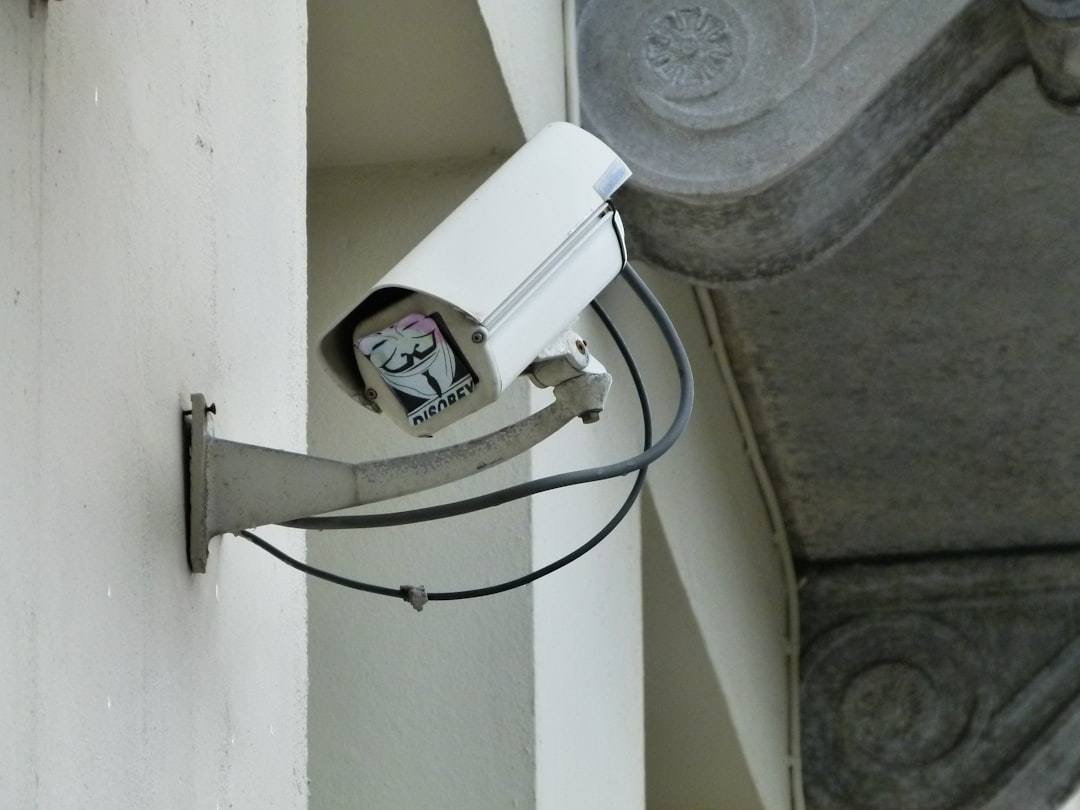
Safe Habits for Daily Internet Use
10. Use Caution on Social Media
Oversharing online can spill sensitive information to the wrong audience. Avoid posting personal details like your address, phone number, and date of birth. Review your privacy settings to control who sees your content.
11. Monitor Accounts for Unusual Activity
Check your bank accounts, emails, and social profiles regularly. Report anything suspicious and change passwords immediately. Many companies offer alerts for unrecognized logins or transactions, so enable those features when available.
12. Educate Yourself and Others
Tech safety is a moving target—cyber threats evolve constantly. Stay updated by reading cybersecurity blogs, watching news reports, and subscribing to newsletters. Teach the same principles to children and less tech-savvy family members.
Conclusion
Staying safe online isn’t about being paranoid—it’s about being prepared. The internet offers amazing benefits but only to those who use it wisely. By following these best practices, anyone can enjoy the digital world without placing their personal privacy and security at risk. Technology will continue to evolve, and so should our habits in using it safely.
Frequently Asked Questions (FAQ)
-
Q: What is the most important thing to do for internet safety?
A: Using strong, unique passwords for each account and enabling two-factor authentication are among the most critical steps to securing your online activity. -
Q: Are free antivirus programs effective?
A: Many free antivirus tools offer decent basic protection, but they often lack advanced features found in premium versions. Choose established brands for the best results. -
Q: How can I tell if an email is a phishing scam?
A: Look for generic greetings, unexpected attachments, spelling errors, and suspicious links. Always verify the sender and avoid clicking on anything if unsure. -
Q: Is public Wi-Fi safe to use?
A: Public Wi-Fi is inherently risky. If you must use it, connect through a VPN to encrypt your data and avoid accessing sensitive information like banking or business accounts. -
Q: How often should I back up my data?
A: Ideally, you should back up important files at least once a week. If you work with critical data daily, consider daily backups instead.