
Creating a strong visual identity is one of the most important steps in building a successful brand. Your logo is often the first thing customers notice, and it plays a central role in shaping perception, trust, and recognition. Fortunately, modern logo makers and generators have made professional-quality design accessible to businesses of all sizes. Whether you are launching a startup, refreshing your brand, or testing a new idea, the right tool can help you craft an effective logo quickly and efficiently.
TLDR: High-quality logo makers and generators allow businesses to design professional logos without hiring a full-service design agency. The best tools combine artificial intelligence, customization options, and flexible pricing. Platforms like Canva, Looka, Tailor Brands, Wix Logo Maker, and Adobe Express stand out for their usability and design quality. Choosing the right solution depends on your budget, branding needs, and desired level of customization.
Why Use a Logo Maker or Generator?
Working with a professional designer remains an excellent option, but it may not always be practical for early-stage businesses or solo entrepreneurs. Logo generators offer several compelling advantages:
- Cost-effectiveness: Many tools provide free previews and affordable download packages.
- Speed: You can generate multiple concepts in minutes.
- User-friendly interfaces: No technical design skills are required.
- Creative flexibility: Modern tools allow deep customization of typography, colors, and layout.
With AI-powered systems analyzing your preferences, industry, and style choices, these platforms generate logos that look refined and market-ready.
1. Canva Logo Maker
Canva has become a widely trusted name in online design. Its logo maker is particularly appealing to entrepreneurs who want simplicity combined with flexibility.
Key strengths:
- Extensive library of templates
- Intuitive drag-and-drop editor
- Access to fonts, icons, and stock elements
- Free plan with optional premium assets
Unlike purely AI-driven tools, Canva allows hands-on customization, making it ideal for users who want greater creative control. Templates span a wide range of industries, from tech startups to boutique bakeries.
Best for: Small businesses and entrepreneurs who want both ease of use and manual customization options.
2. Looka
Looka stands out for its sophisticated AI-driven approach. After answering a few questions about your brand name, industry, and aesthetic preferences, the system generates dozens of logo concepts personalized to your input.
Key strengths:
- Strong AI personalization
- Brand kit integration
- Professional layouts
- Scalable design packages
Looka goes beyond simple logo files. It offers comprehensive brand kits that include social media assets, business card designs, and brand guidelines. This makes it particularly valuable for businesses seeking consistency across platforms.
Best for: Companies looking for AI efficiency combined with full brand identity tools.
3. Tailor Brands
Tailor Brands is more than a logo maker—it is a brand-building platform. Its AI engine creates logos based on your brand personality and stylistic choices. Users can select between icon-based, name-based, or initial-based logos.
Key strengths:
- AI-driven customization
- Full branding solutions
- Business formation tools
- Subscription-based flexibility
The platform is particularly helpful for entrepreneurs launching new ventures, as it combines branding, domain registration, and website tools in one ecosystem.
Best for: Startups seeking a comprehensive business toolkit alongside logo creation.
4. Wix Logo Maker
Wix is widely known for website creation, and its logo maker reflects the same user-friendly philosophy. Powered by artificial intelligence, the platform generates logo designs tailored to your industry and visual preferences.
Key strengths:
- AI-guided design process
- Clean and modern templates
- Integration with Wix websites
- High-resolution downloadable files
After generating your design, you can refine fonts, colors, icons, and alignment with simple editing controls. For businesses building a Wix website, integration is seamless.
Best for: Businesses already using or planning to use Wix for their website.
5. Adobe Express Logo Maker
Adobe Express combines the reliability of the Adobe brand with accessible design tools. While not as AI-driven as some competitors, it offers high-quality templates and strong creative control.
Key strengths:
- Professional-grade design quality
- Integration with Adobe ecosystem
- Strong typography options
- Suitable for both beginners and professionals
Users familiar with Adobe products will appreciate the seamless workflow, while beginners can rely on templates and guided editing tools.
Best for: Designers who want more creative precision without using complex software like Illustrator.
6. Hatchful by Shopify
Hatchful is a free logo generator designed specifically for ecommerce entrepreneurs. The platform provides industry-specific templates and quick downloads.
Key strengths:
- Completely free
- Ecommerce-focused design themes
- Fast generation process
- Simple interface
Although customization options are more limited compared to premium tools, Hatchful serves as an excellent entry-level solution.
Best for: Ecommerce startups seeking a straightforward and cost-effective logo solution.
Features to Look For in a Logo Generator
Not all logo makers are created equal. When evaluating options, consider the following criteria:
- Customization depth: Can you modify fonts, layouts, and icons easily?
- File formats: Are vector files like SVG or EPS included?
- Commercial usage rights: Ensure you retain full ownership.
- Scalability: Can the logo adapt across digital and print formats?
- Brand support: Does the platform offer additional marketing assets?
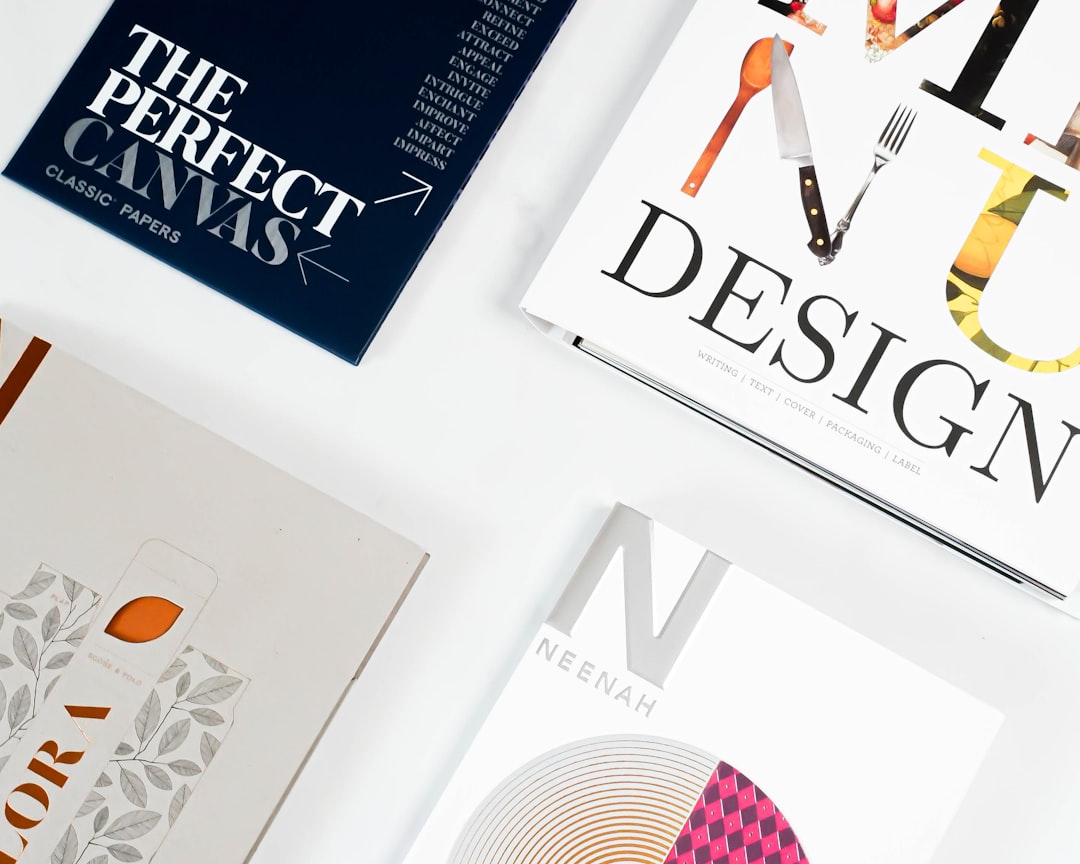
A good logo should look equally strong on a website header, social media avatar, packaging label, and billboard. Scalability and adaptability are crucial.
Advantages and Limitations
Advantages:
- Rapid concept development
- Budget-friendly solutions
- Accessible to non-designers
- Wide variety of styles
Limitations:
- Potential similarity to other brands
- Less originality than custom designer work
- Limited conceptual strategy input
For highly competitive industries or enterprise-level brands, working with a professional designer may still be the wiser choice. However, for many small to medium-sized businesses, AI-powered tools provide more than sufficient quality.
Best Practices for Designing Your Logo
Regardless of the tool used, certain principles ensure your logo remains effective and timeless:
- Keep it simple: Minimalist designs age better.
- Focus on readability: Clear typography strengthens recognition.
- Limit your color palette: Two to three primary colors are usually sufficient.
- Prioritize versatility: Test your logo in black and white.
- Avoid trends: Trend-driven designs can quickly become outdated.
A logo should communicate your brand’s personality and values succinctly. Whether your identity is bold and dynamic or refined and understated, consistency is key.
Making the Final Choice
Selecting the right logo maker comes down to balancing budget, control, and long-term branding needs. If you prefer hands-on design freedom, Canva or Adobe Express may be appropriate. If AI automation and brand kits appeal to you, Looka or Tailor Brands could be more suitable. Ecommerce startups might benefit from Hatchful, while Wix users can take advantage of built-in integration.
Ultimately, a logo is more than just a graphic—it is a visual cornerstone of your company’s identity. Today’s leading logo makers and generators offer powerful, reliable solutions that enable businesses to create professional designs efficiently. By carefully evaluating your needs and applying sound design principles, you can craft a logo that supports your brand’s credibility and growth for years to come.